1. Follow the instructions to login to cPanel >> HERE <<
2. One logged in to your WEB MAGE Hosting control panel scroll down until you see the "Metrics" section as shown in the image below. In this "Metrics" section, click on "Awstats"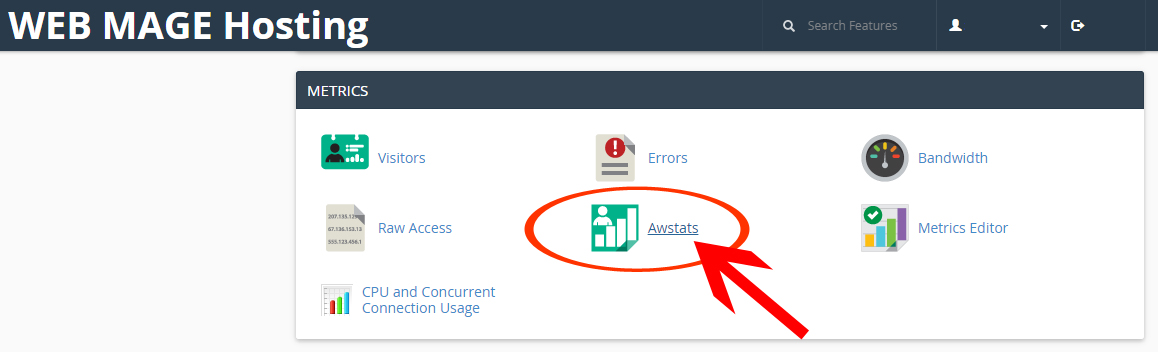
2. You should now see a page with your domain (website address) name listed below the "Select a Domain" section. Next to your domain, click on the "View" link to the right.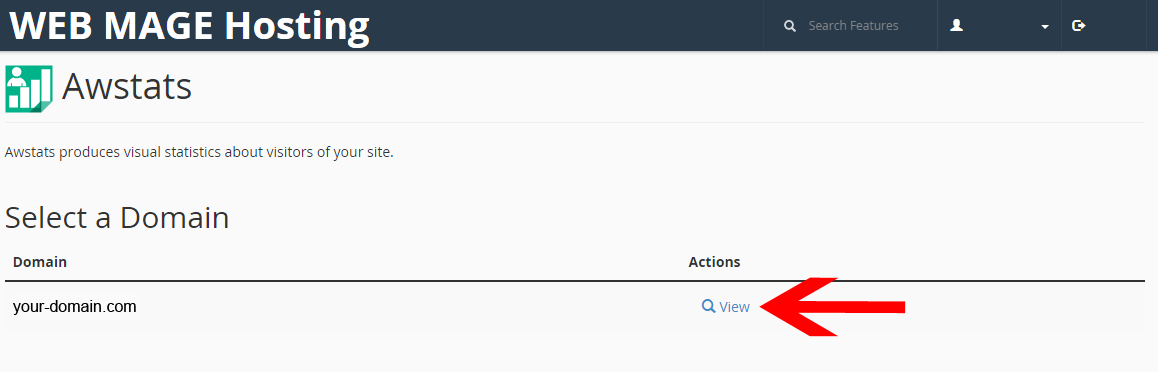
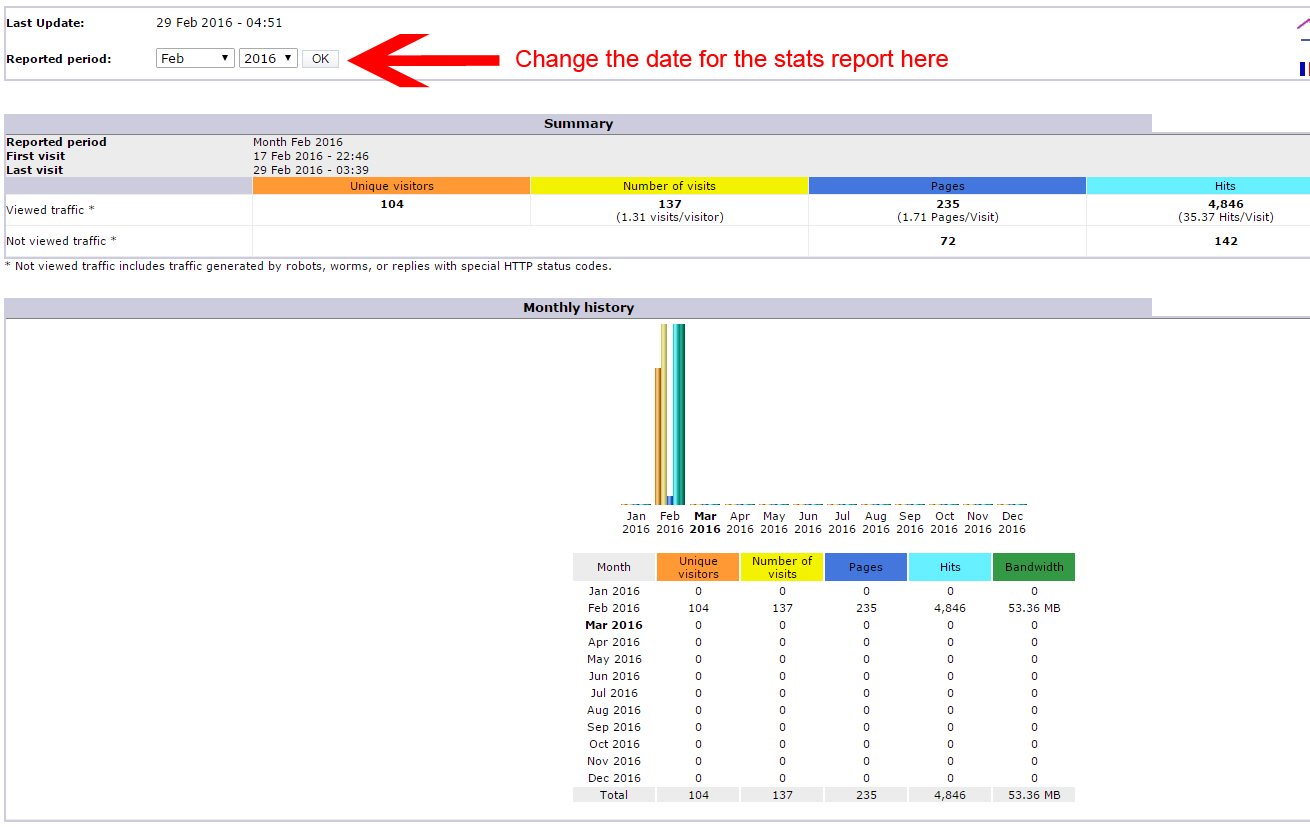
3. You should now see the Awstats page which displays the website views report for the current month. You can change the date of the report using the dropdown boxes near the top of the page.